Back to Tutorials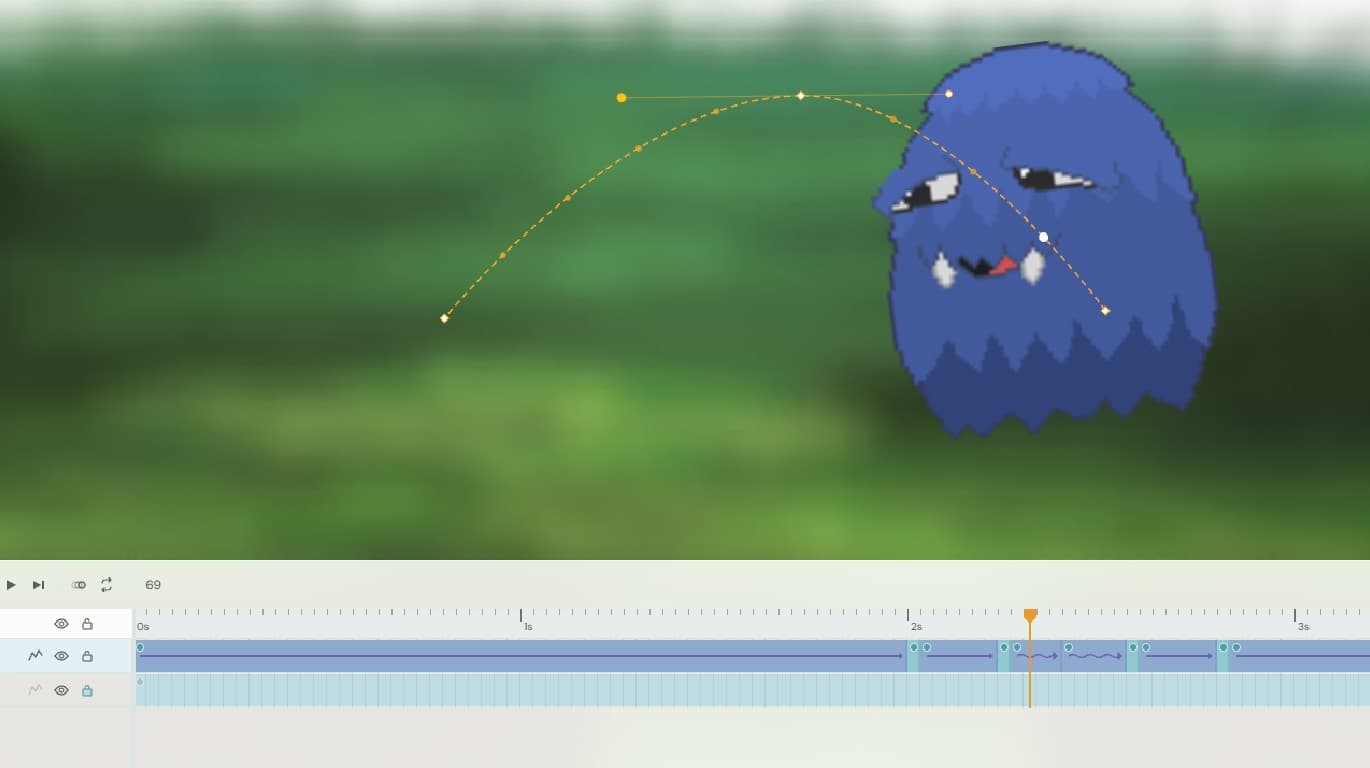

Symbols & AssetsIntermediate25 min
Sprite Animation: Symbols, Camera, and Export
Victor
September 10, 2026 · 4 min read
spritessymbolscameraexportintermediate
Prerequisites
- Your First Animation: The Bouncing Ball
Most real animations aren't a single shape moving around — they're built from multiple image assets combined into reusable pieces. In this video tutorial you'll import a set of sprite images, assemble them into an animated symbol, direct the shot with the camera, and export the finished clip.
What You'll Learn
- Importing multiple bitmap image assets into the Library
- Arranging imported images across layers to build a character or object
- Converting artwork into a reusable animated symbol
- Editing keyframes inside a symbol's own timeline
- Placing and animating symbol instances on the Stage
- Framing and moving the shot with the Camera
- Exporting the finished animation as a video file