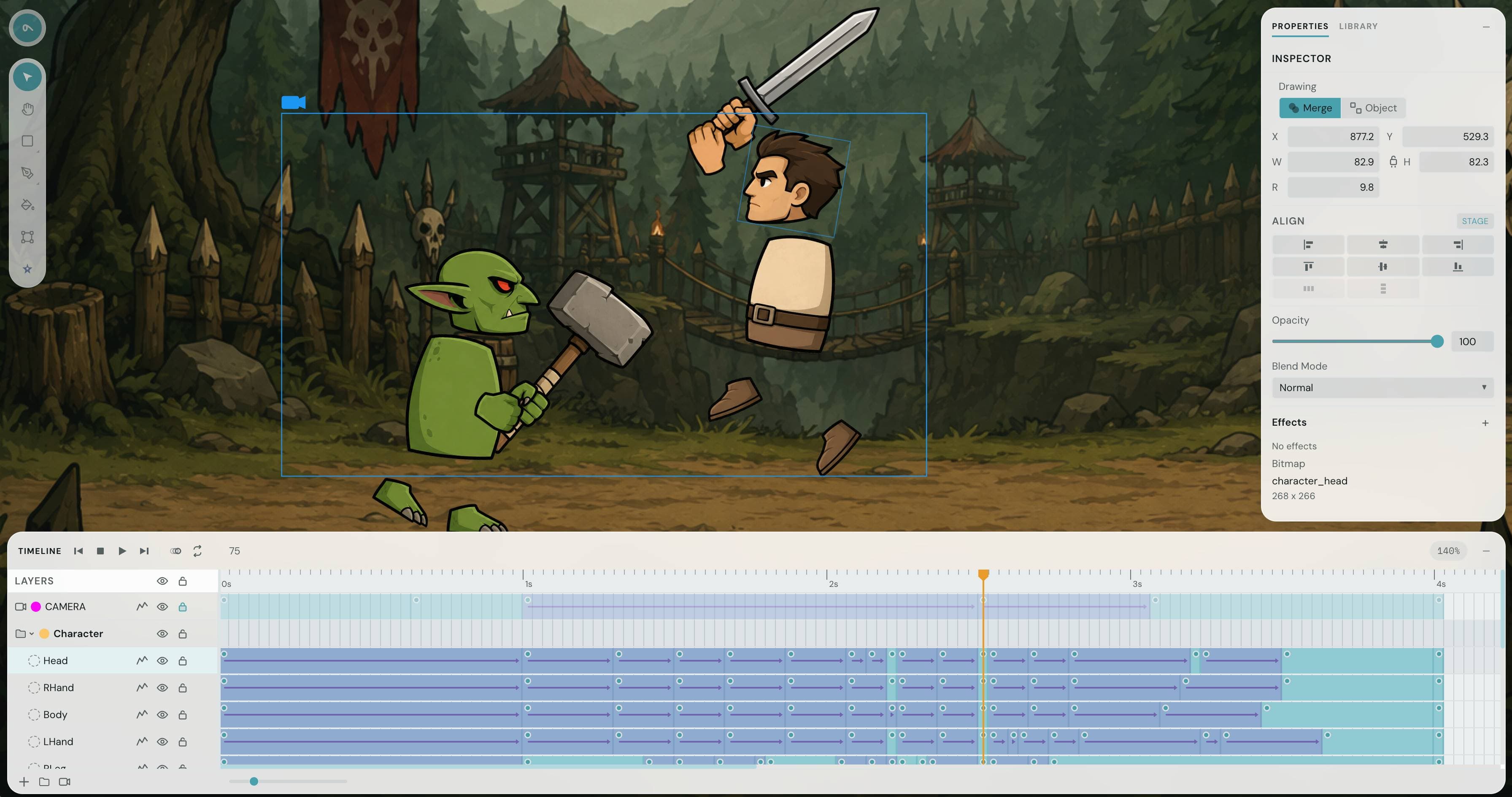
2D animation,
right in your browser
A browser-based 2D animation studio with a real timeline, scenes, and layers — plus an AI assistant to help you move faster.
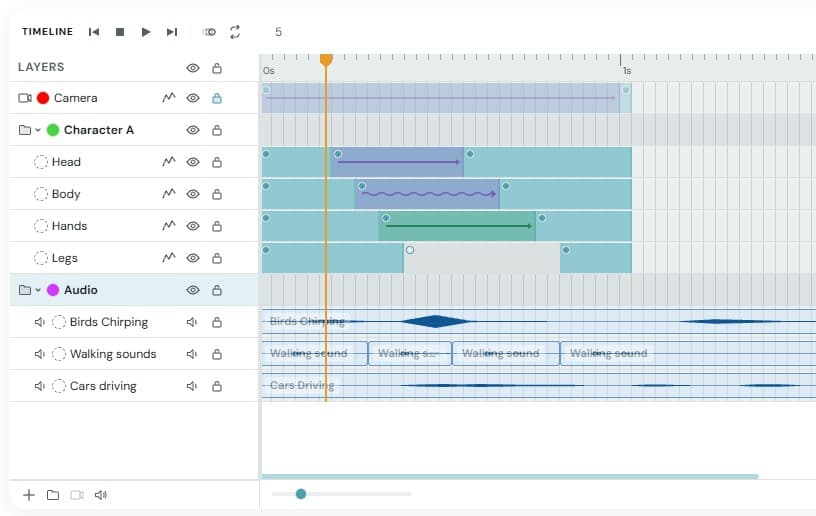
Start Creating — FreeA beautiful timeline
Layer-based editing with folders, audio tracks, and a clean grid. Scrub, snap, and loop with frame-level precision.
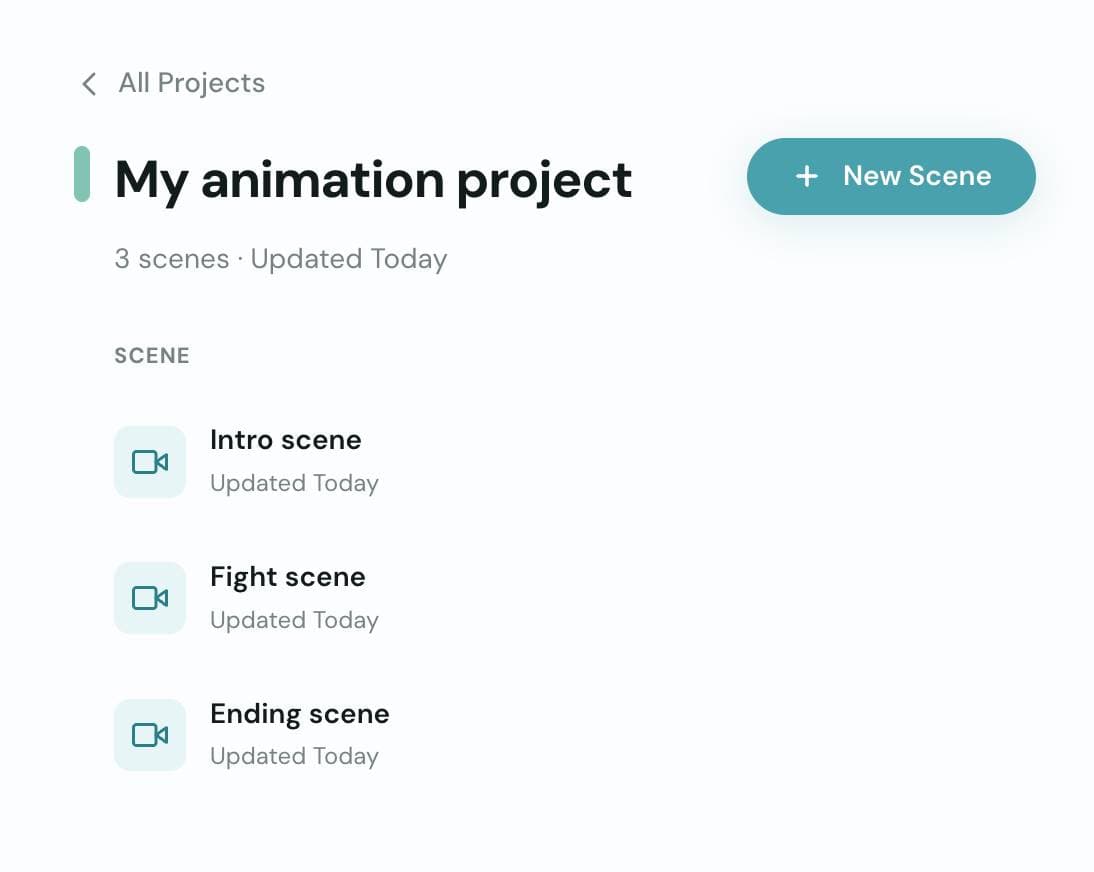
Organize with projects & scenes
Break complex animations into scenes and manage them in projects. Your work auto-saves as you go.
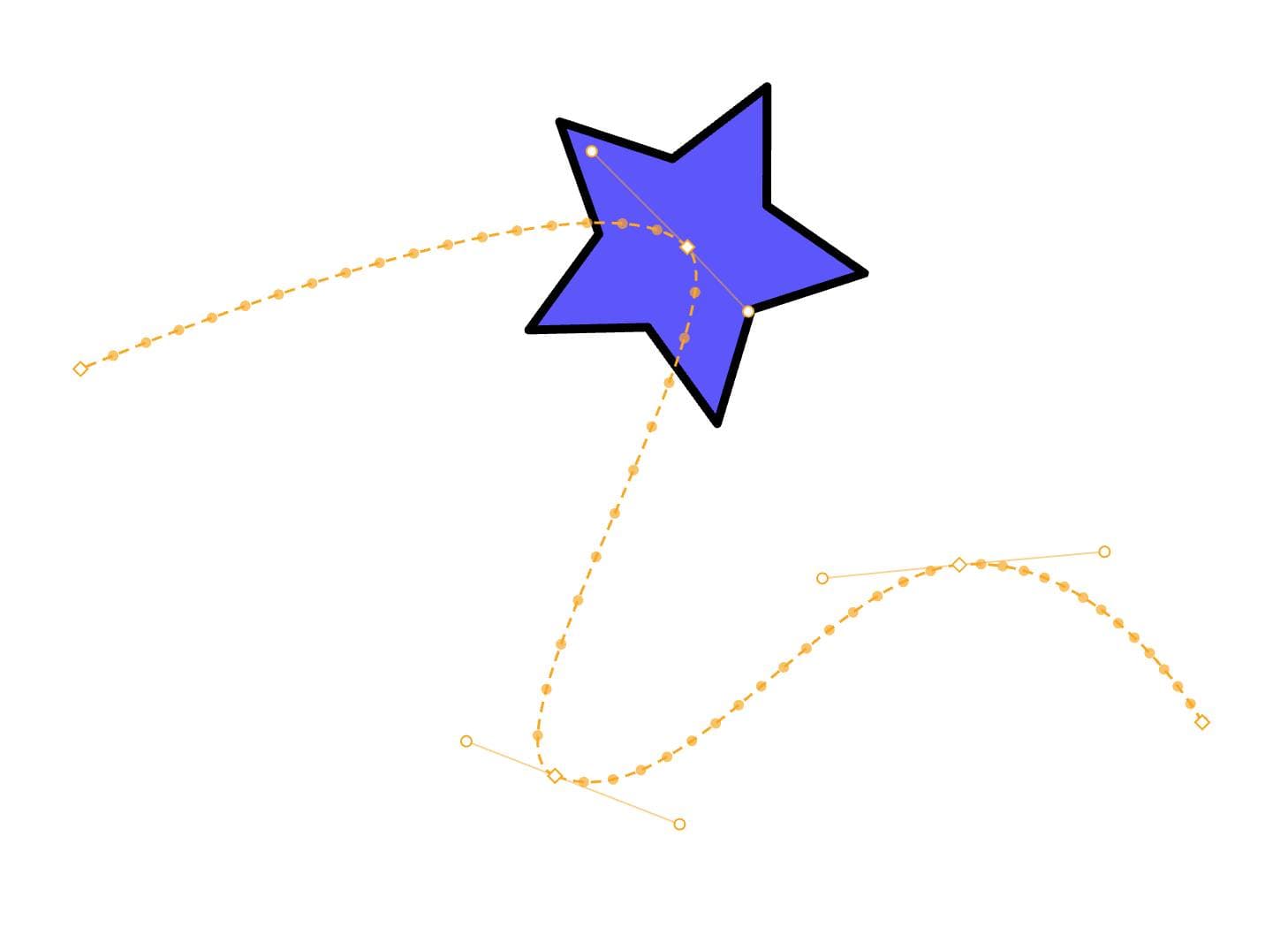
Animate with tweens
Create motion tweens with or without paths, shape tweens between keyframes, and fine-tune every transition. Move objects along curves with full control over timing and easing.
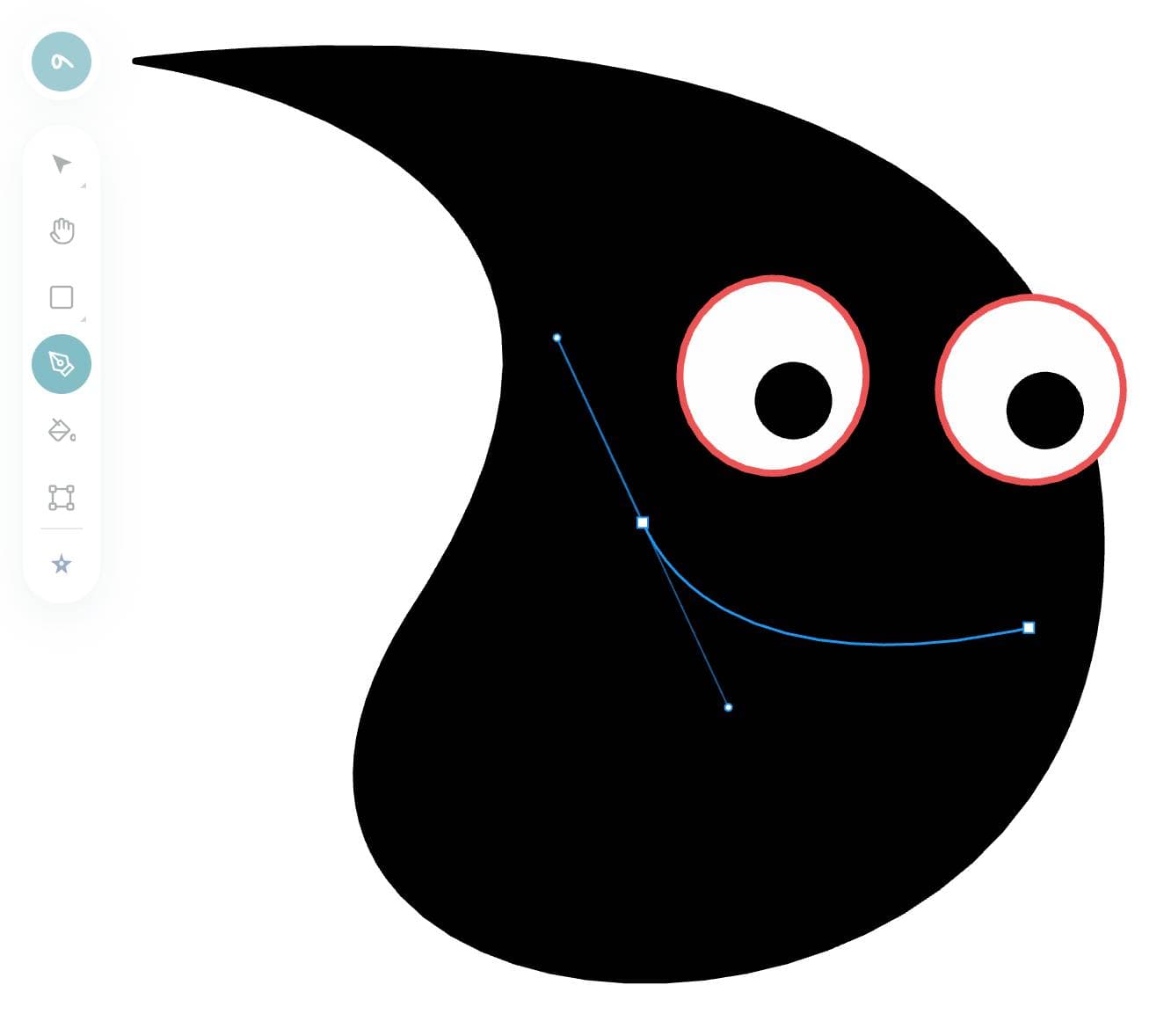
Draw and edit vector shapes
Create and manipulate vector paths with a full pen tool. Edit anchor points, adjust bezier handles, and shape your artwork with precision — all directly on the canvas.
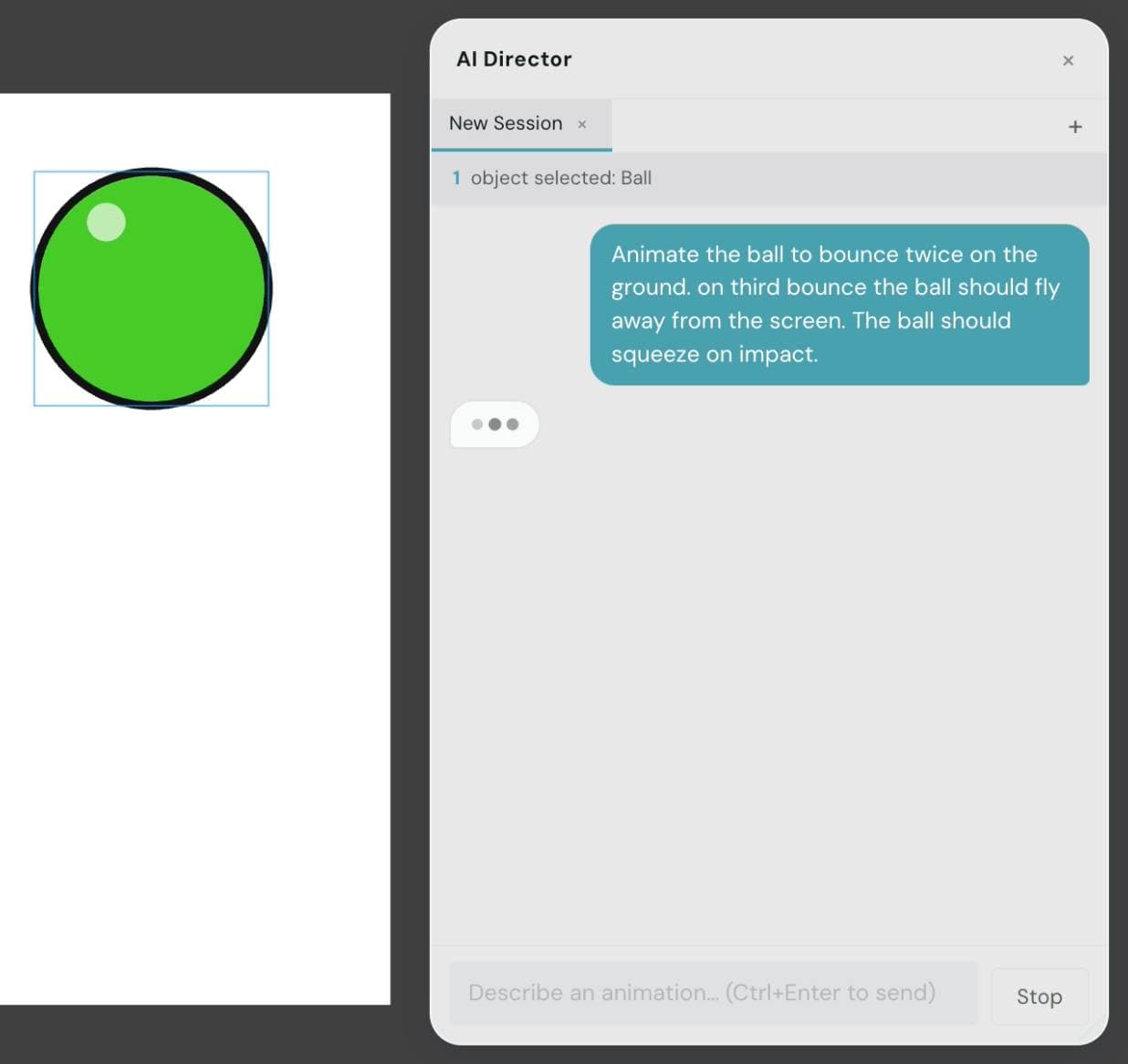
Meet AI Director
Select objects, describe what you want, and AI Director animates them for you.
And so much more
Camera
Pan, zoom, and animate a virtual camera across your scene for cinematic shots.
Onion Skin
See previous and next frames as transparent overlays to nail your timing.
Symbols
Reuse objects across scenes. Edit once, update everywhere.
Keyboard Shortcuts
Fast workflow with shortcuts for tools, playback, layers, and navigation.
Audio
Add audio clips to your timeline and see the waveform right on the track.
Built by a developer who animates
Sclera is a passion project from someone who uses it every day.

Victor
Founder
“I built Sclera because I needed a browser-based animation tool that actually felt good. Every feature exists because I needed it myself — creating animations and improving the app at the same time is amazing because I finally have full control.”
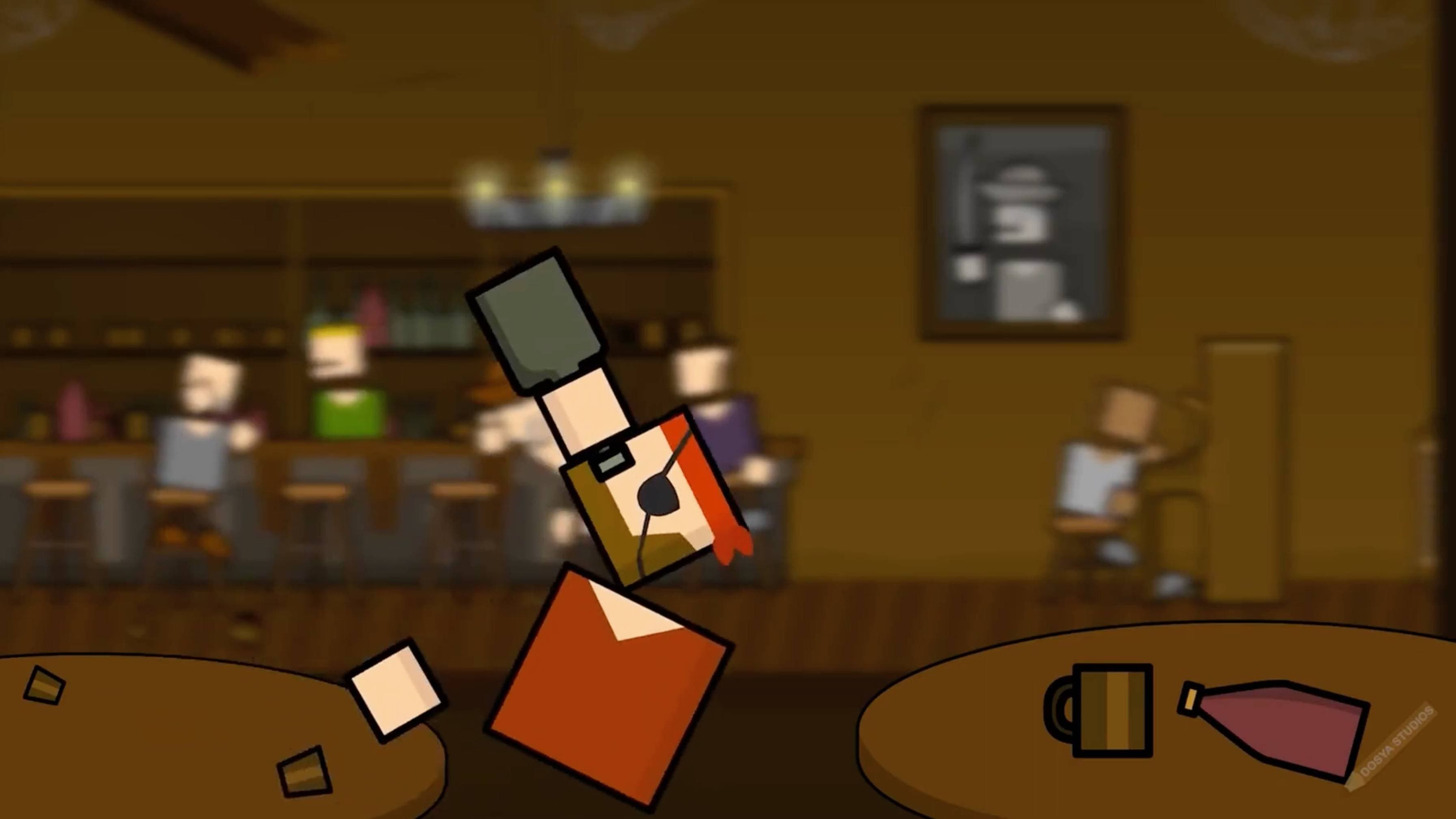
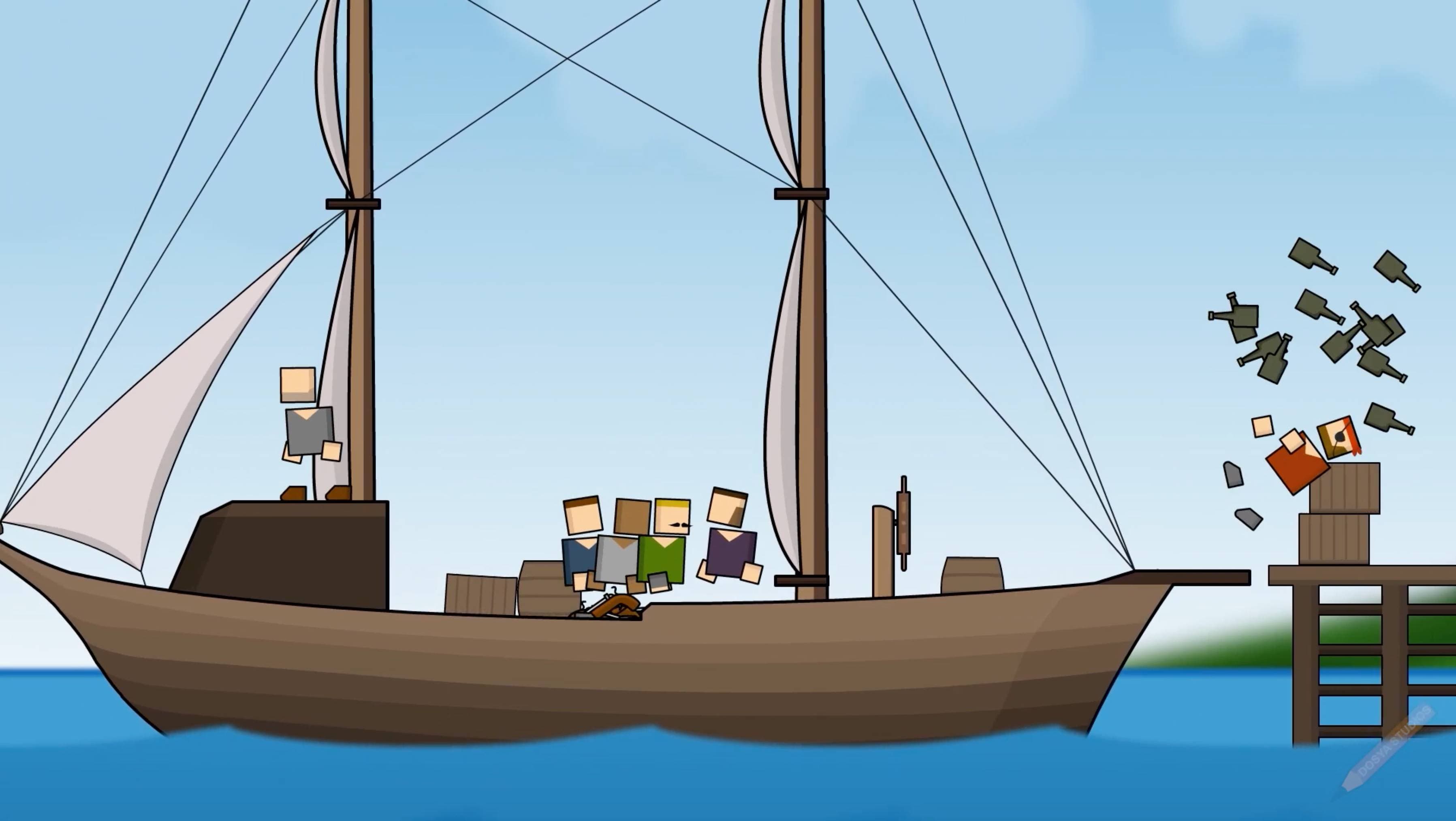
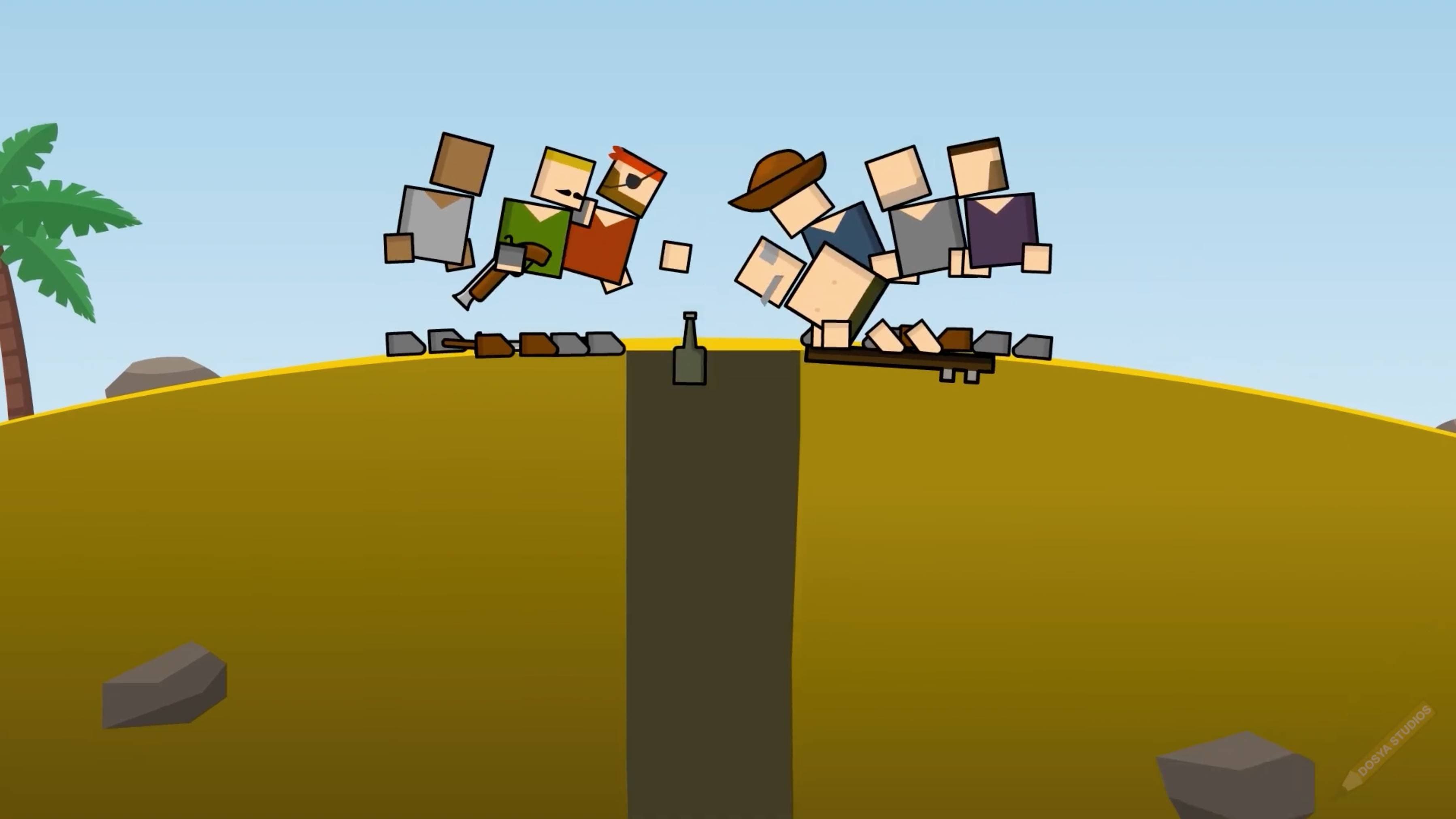
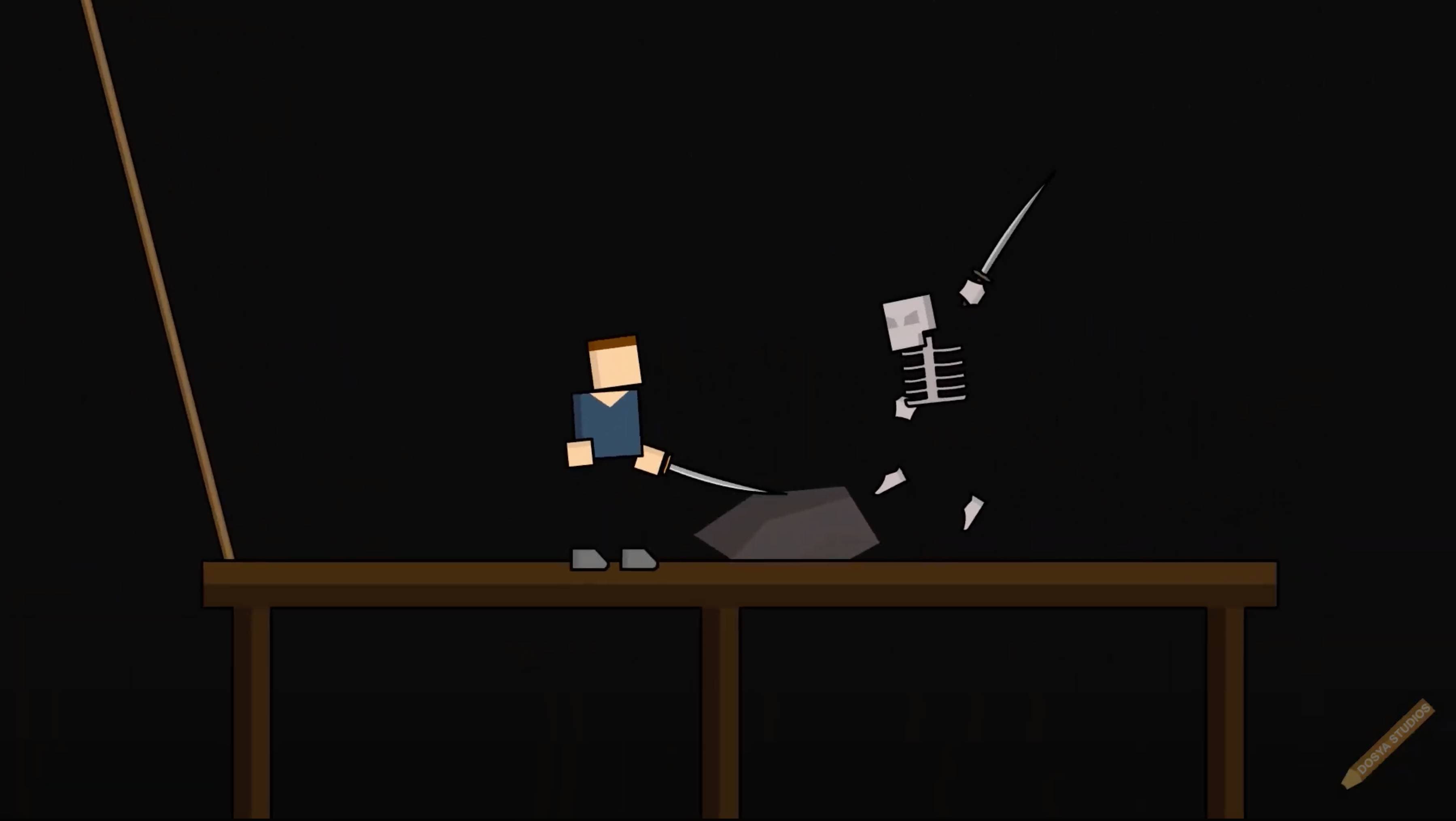
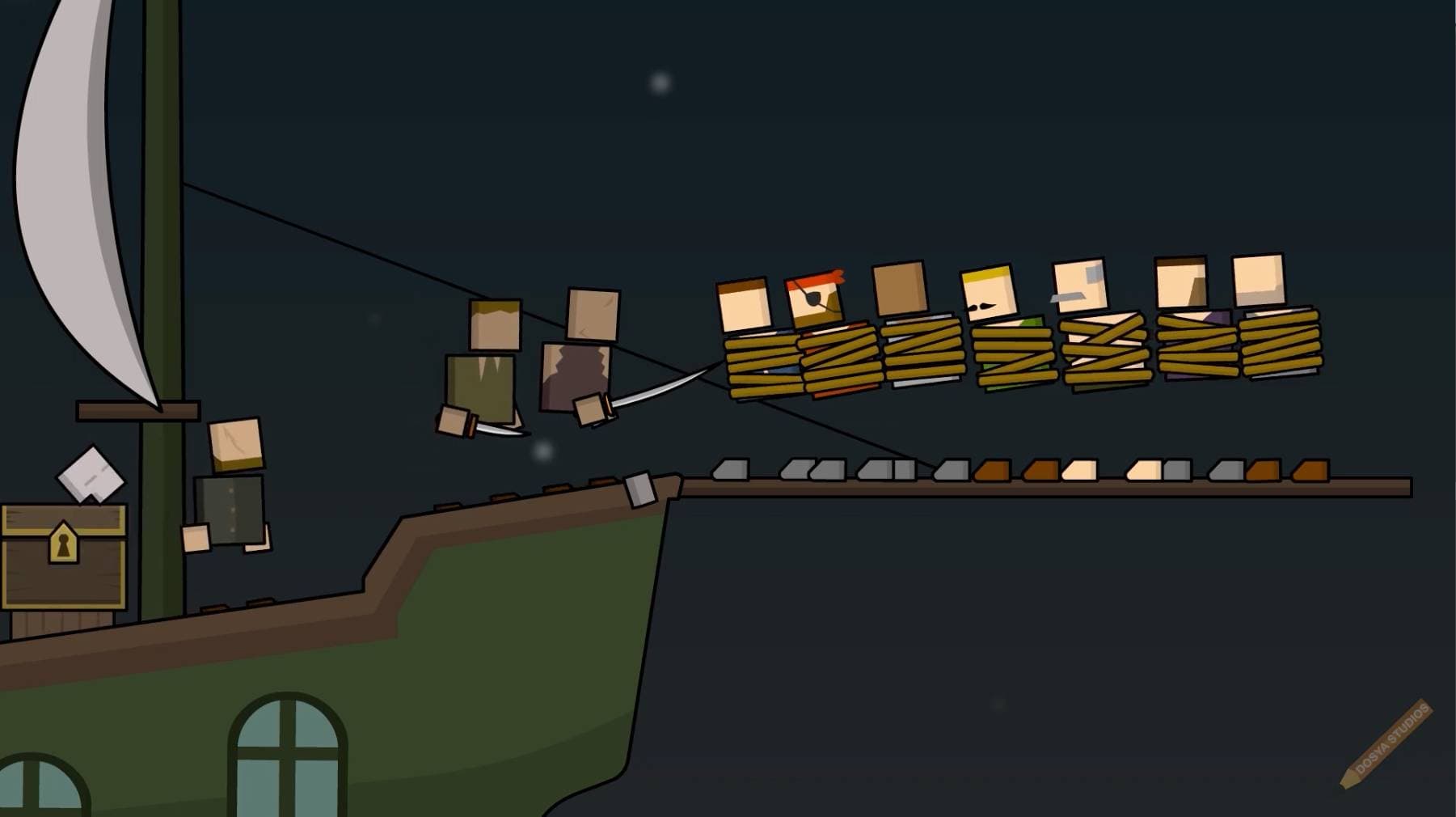

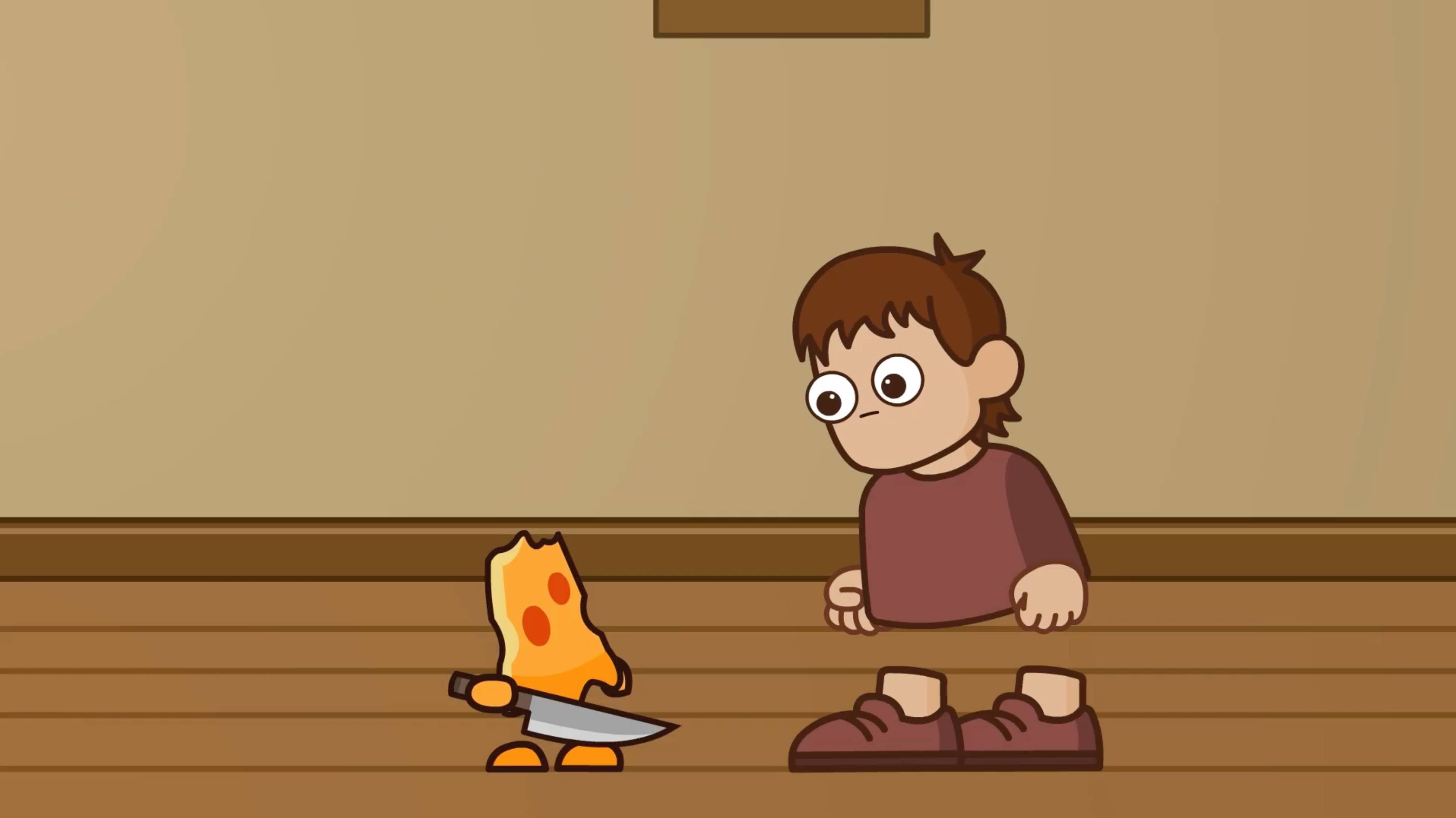

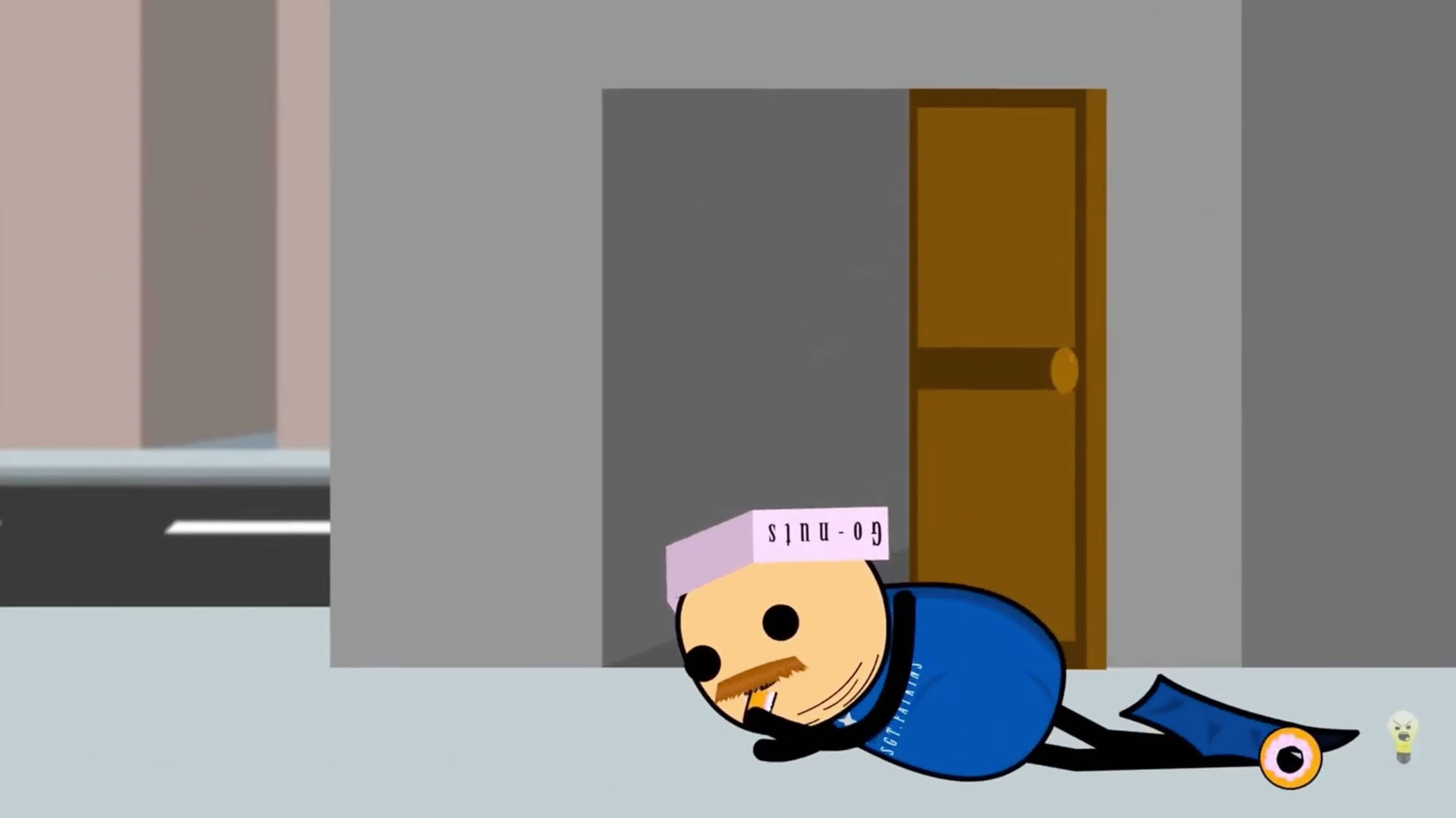
Squareheads — A rowdy night at the bar
Frequently asked questions
Do I need to install anything?
No — Sclera runs entirely in your browser. Just open it and start animating; there's nothing to download or set up.
What can I export my animation as?
MP4, WebM, or a PNG sequence, directly from the browser. More formats are coming soon.
What is AI Director?
Select objects on your stage, describe the motion you want in plain language, and AI Director animates them for you. This feature is currently in development.
Is my work saved automatically?
Yes, your project saves automatically as you work.
Is Sclera free to use?
Sclera is free during the public beta — no credit card required to get started.
Can I contact support if I have questions or feature requests?
Of course! You can reach out to us via email at sclera.app@gmail.com.
Start creating today
Sclera is free during the beta. Build something beautiful in your browser — no download, no credit card.
Start Creating — FreeFree during beta. No credit card required.